Virtual job interviews require careful preparation to stand out from other applicants.
You need a setup that works smoothly and communication that shows confidence.
These steps help you make a strong impression on every employer.
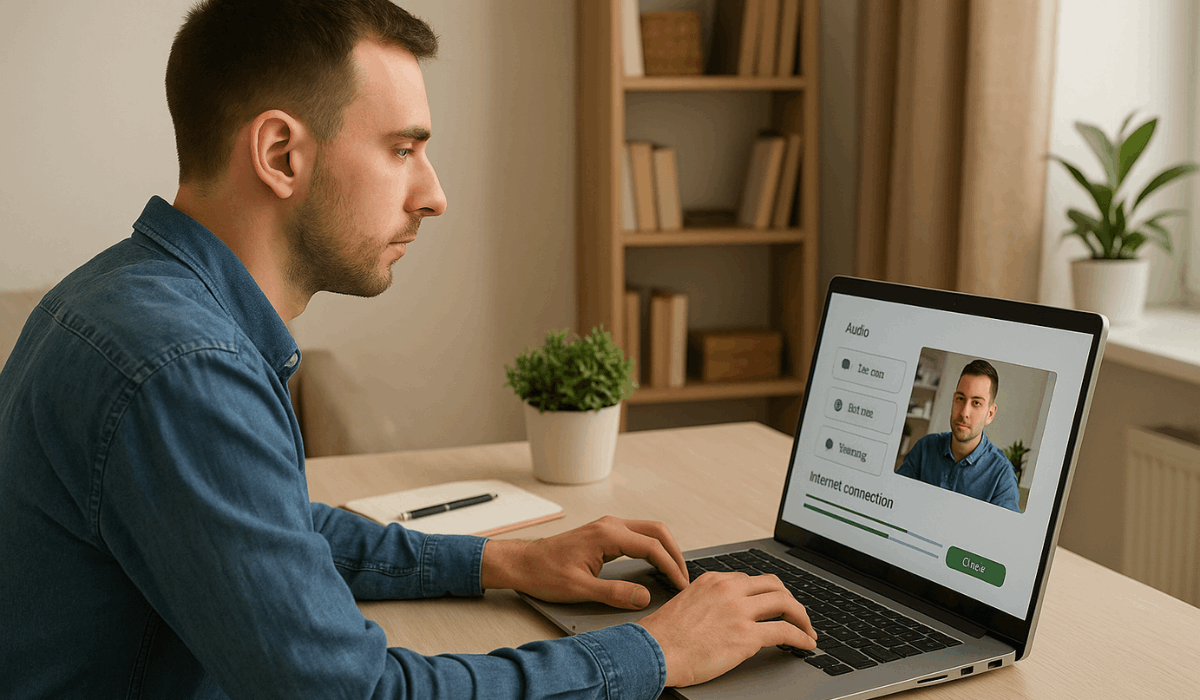
Check Your Technology Early
You need to check your devices before the interview to avoid delays and technical problems.
This step helps you stay in control and focused when the call starts. These points show you what to prepare.
- Test your internet speed to make sure the connection is stable.
- Check your camera and adjust the angle for clear visibility.
- Test your microphone and speakers for clean audio.
- Update your video meeting app to the latest version.
- Restart your device to refresh performance.
- Keep a backup device or hotspot ready in case something fails.
Set Up a Professional Background
Your background affects how employers see you during a virtual interview.
You need a clean, distraction-free space to keep your focus on your answers. These points help you set up a professional environment.
- Choose a quiet room with minimal movement behind you.
- Keep the background clean and clutter-free.
- Use natural or soft lighting to keep your face clear.
- Position the camera at eye level for a balanced frame.
- Avoid bright windows behind you to prevent shadows.
- Add simple items like plants or shelves if they look tidy.
Prepare Your Appearance and Outfit
Your appearance shapes the first impression you make in a virtual interview.
You need a clean and professional look that shows you take the process seriously. These points help you prepare the right outfit and presentation.
- Wear professional clothing that matches the job level.
- Choose simple colors that look clear on camera.
- Avoid busy patterns that can distract the interviewer.
- Fix your grooming, including hair and facial details.
- Check your lighting to make sure your face is visible.
- Sit upright to maintain a confident and neat appearance.
Practice Interview Questions
Practicing interview questions helps you communicate confidently and avoid hesitation during the conversation.
It also allows you to organize your thoughts and present your experience effectively. The list below shows helpful ways to prepare.
- Review common interview questions related to the role.
- Prepare short and direct answers that highlight your skills.
- Practice speaking out loud to improve clarity and pacing.
- Record yourself to check your tone and body language.
- Focus on specific examples that show your experience.
- Ask someone to conduct a mock interview for real-time feedback.
Organize Your Materials
Organizing your materials before the interview helps you stay prepared and respond confidently.
It ensures that important details are within reach and prevents unnecessary pauses. The list below explains what you should gather in advance.
- Keep your resume and cover letter open on your screen or printed beside you.
- Prepare a short list of key achievements you want to mention.
- Have the job description ready for reference.
- Write down a few questions to ask the employer.
- Keep a pen and paper nearby for quick notes.
- Organize any links or files you may need to share, such as portfolios or work samples.
Master On-Camera Communication
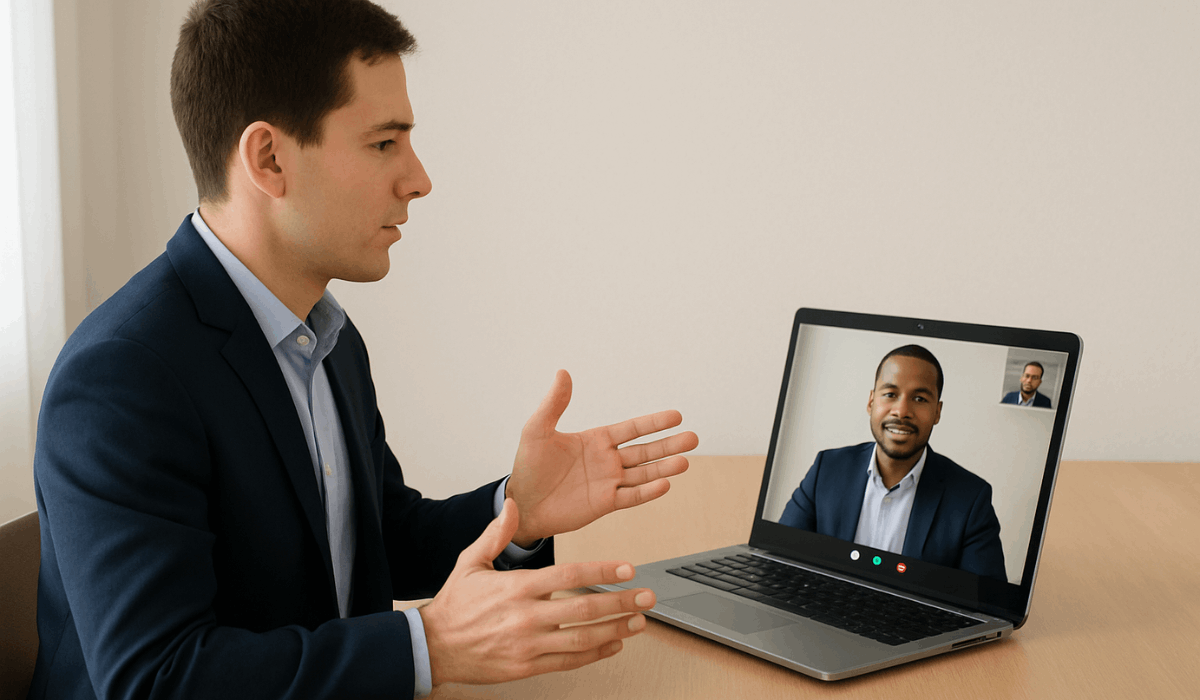
Mastering on-camera communication helps you appear confident and attentive during the interview.
It also allows the interviewer to connect with you more easily. The list below covers the key elements of effective virtual communication.
- Look directly at the camera to create natural eye contact.
- Keep your tone steady and your pace easy to follow.
- Maintain good posture to show confidence and attention.
- Use simple facial expressions that match what you are saying.
- Avoid excessive hand movements that can distract the interviewer.
- Listen carefully and pause before responding to avoid interruptions.
Control Your Surroundings
Controlling your surroundings is essential to maintaining a professional, distraction-free interview environment.
A clean and quiet space helps you stay focused and communicate clearly. The list below outlines practical steps to manage your environment effectively.
- Choose a quiet room where you will not be interrupted.
- Close windows to reduce outside noise.
- Silence your phone and turn off notifications on your devices.
- Tell others at home about your interview schedule.
- Remove pets or anything that may cause sudden movement.
- Keep only essential items within the camera frame.
Join the Interview Early
You need to arrive early for the interview to show professionalism and avoid last-minute issues.
This gives you time to check your setup and prepare your focus before the call starts. These points help you handle this step smoothly.
- Log in at least 5 minutes before the scheduled time.
- Quickly recheck your camera, microphone, and lighting.
- Confirm that your display name looks professional.
- Keep your materials and notes ready on your desk.
- Sit still and stay on the screen while waiting for the interviewer.
- Take a deep breath to remain calm and focused.
Research the Company Thoroughly
Researching the company helps you give stronger answers and demonstrate a genuine interest in the role.
It shows the interviewer that you prepared well and understand what the organization stands for. The list below highlights what you should review in advance.
- Read the company’s mission, values, and main services.
- Check their recent news, updates, and achievements.
- Review the job posting to match your answers with their needs.
- Look at their social media pages to understand their culture.
- Study their products or projects if they are public.
- Learn basic details about the team or department you may join.
Prepare Your Portfolio or Work Samples
Preparing your portfolio or work samples helps you clearly demonstrate your abilities during the interview.
Organizing your best work in advance ensures a smooth and professional presentation. The list below outlines how to prepare your materials.
- Select your most relevant projects that match the role.
- Keep your files easy to open and view on any device.
- Create a simple folder or document with clear labels.
- Prepare shareable links in case the interviewer requests them.
- Add short descriptions that explain your role in each project.
- Test every file and link to ensure everything works smoothly.
Test Your Body Language on Camera
You need to test your body language on camera to look confident and in control during the interview.
This helps you avoid distracting movements and keeps the employer focused on your answers. These points guide you in refining your on-camera presence.
- Sit upright and maintain a steady posture throughout the call.
- Keep your hands visible but limit unnecessary movements.
- Maintain a calm and natural facial expression.
- Practice looking into the camera rather than at the screen.
- Record yourself to identify habits that may distract the interviewer.
- Adjust your seating distance so your head and shoulders are clearly visible.
Follow Up After the Interview
Following up after the interview shows appreciation and leaves a strong final impression. It also signals genuine interest in the position.
The list below outlines simple steps for a professional follow-up.
- Send a short thank-you email within 24 hours.
- Mention one key topic from the interview to show that you are paying attention.
- Restate your interest in the position clearly and briefly.
- Keep the message professional and straightforward.
- Offer to provide any additional information they may need.
- Avoid sending multiple follow-ups unless they requested updates.
To Wrap Up
This guide outlines the essential steps to perform well in Virtual Job Interviews and present yourself professionally.
Applying these strategies helps employers clearly see your strengths.
Put these tips into action today to increase your chances of securing your next role.